Build your wedding guest list in minutes
Add guests, organize invitations, track RSVPs, and save everything to a shared wedding workspace.
| Name |
|---|
Attending |
Attending |
Attending |
Pending |
Everything you need to organize your guests
All your guest details, in one place
Add each guest’s name, contact details, notes, and custom tags so the important information is easy to find and update. Use tags to group guests by side, relationship, priority, travel status, wedding party, or anything else that helps you stay organized.
Invite people the way they’re coming
Group couples, families, children, and plus-ones together so your list reflects real invitations, not just individual names. Keep households organized, track who belongs to each invitation, and avoid losing context when guest counts start changing.
Know who’s coming
Track accepted, declined, and pending RSVPs without digging through texts, emails, notes, or spreadsheets. See where your guest count stands at a glance, follow up with people who haven’t responded, and keep your list updated as replies come in.
Create tags for meals, groups, and notes
Use custom tags to organize guests by meal choice, family group, wedding party, travel status, priority, or anything else that helps you plan. Filter your list by tag so the details are easier to manage later.
See the count clearly
Keep an eye on invited guests, confirmed guests, pending replies, and declined invitations as your plans change. Use totals to understand your headcount, estimate seating needs, and make better decisions before finalizing your venue, catering, and reception layout.
Find and filter
Search by guest name, filter by RSVP status, and use tags to quickly find the guests you need. Whether you’re checking meal choices, travel plans, family groups, or pending replies, your list stays easy to manage as it grows.
Start for free
Create a free wedding workspace to save your guest list, invite others to help, and connect your list with RSVPs, seating charts, your wedding website, and more.
Collaborate on your guest list
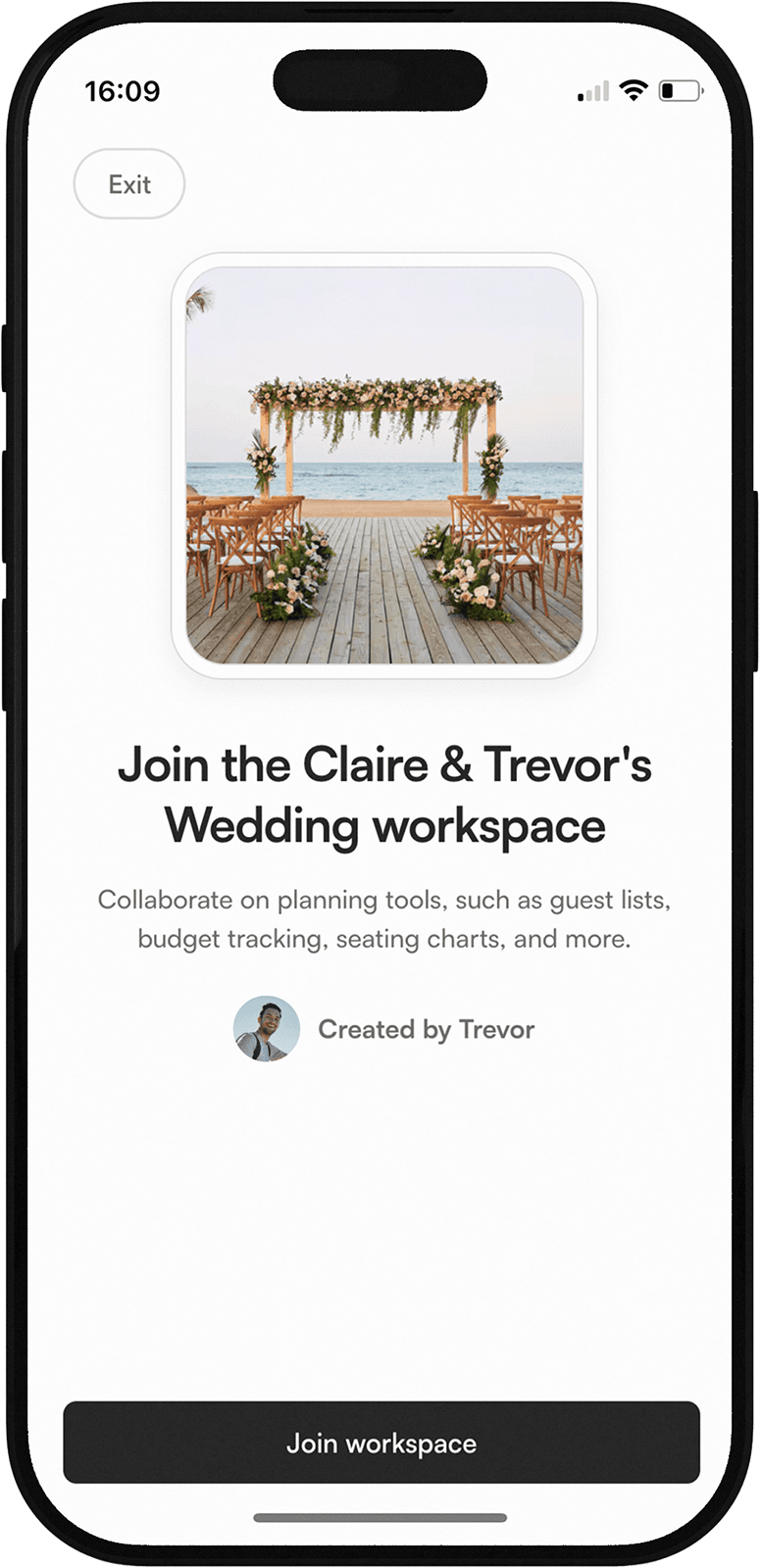
Invite the people helping with the details
Bring your partner, planner, family, or wedding party into one shared list to help add guests, update RSVPs, organize invitation groups, and keep everything accurate as plans change.
Your questions, answered
Is the wedding guest list tool free?
Yes. You can try the wedding guest list tool for free. To save your guest list, access it later, and connect it with the rest of your wedding planning tools, you’ll create a wedding workspace.What can I track in the wedding guest list?
You can organize guest names, invitation groups, RSVP status, notes, and custom tags. Tags can help you track meal choices, family groups, wedding party members, travel plans, priority guests, or anything else that helps you plan.Can families, couples, and plus-ones be grouped together?
Yes. The guest list is designed around real wedding invitations, so you can group couples, families, children, and plus-ones together instead of managing every guest as a separate disconnected name.Can I invite someone to help manage the guest list?
Yes. Once your guest list is saved inside a wedding workspace, you can invite your partner, planner, family, wedding party, or anyone helping with the details to collaborate.Will my guest list connect with other wedding planning tools?
Yes. Your guest list is designed to connect with the rest of your wedding workspace. Guests you add can later support RSVPs, seating charts, wedding website responses, meal tracking, and other planning tools as they become available.