Keep your wedding plans in one shared
workspace
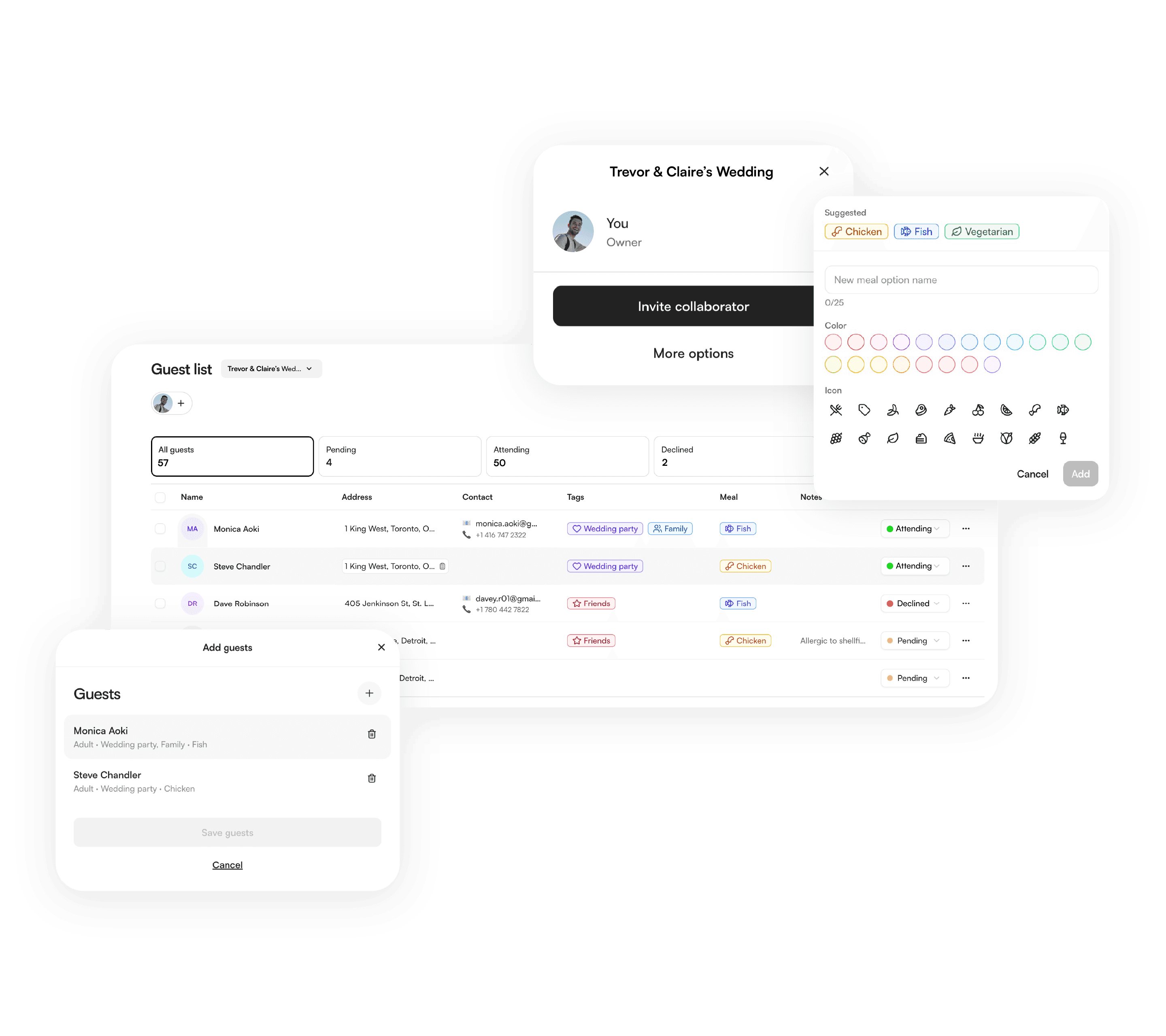
Create a shared workspace for your guest list, seating chart, wedding website, budget, RSVPs, photos, and more.
Planning tools that work together
Seating chart
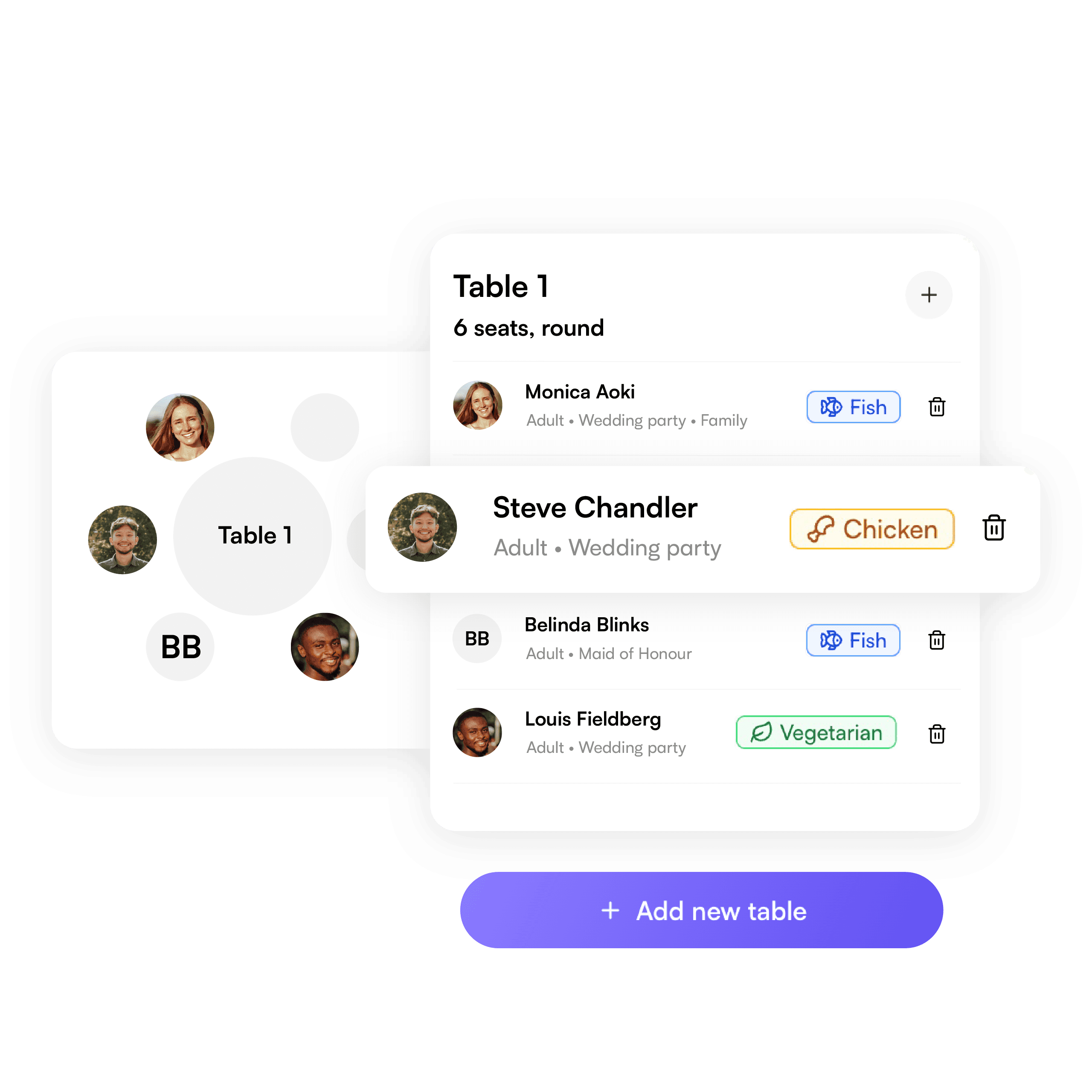
Arrange tables, assign guests, and organize your reception layout.

Budget tracker
Track spending, deposits, balances, and vendor payments.

Claire & Trevor
September 15, 2025 · Lisbon, Portugal

Wedding website
Share your schedule, travel details, registry, and collect RSVPs.
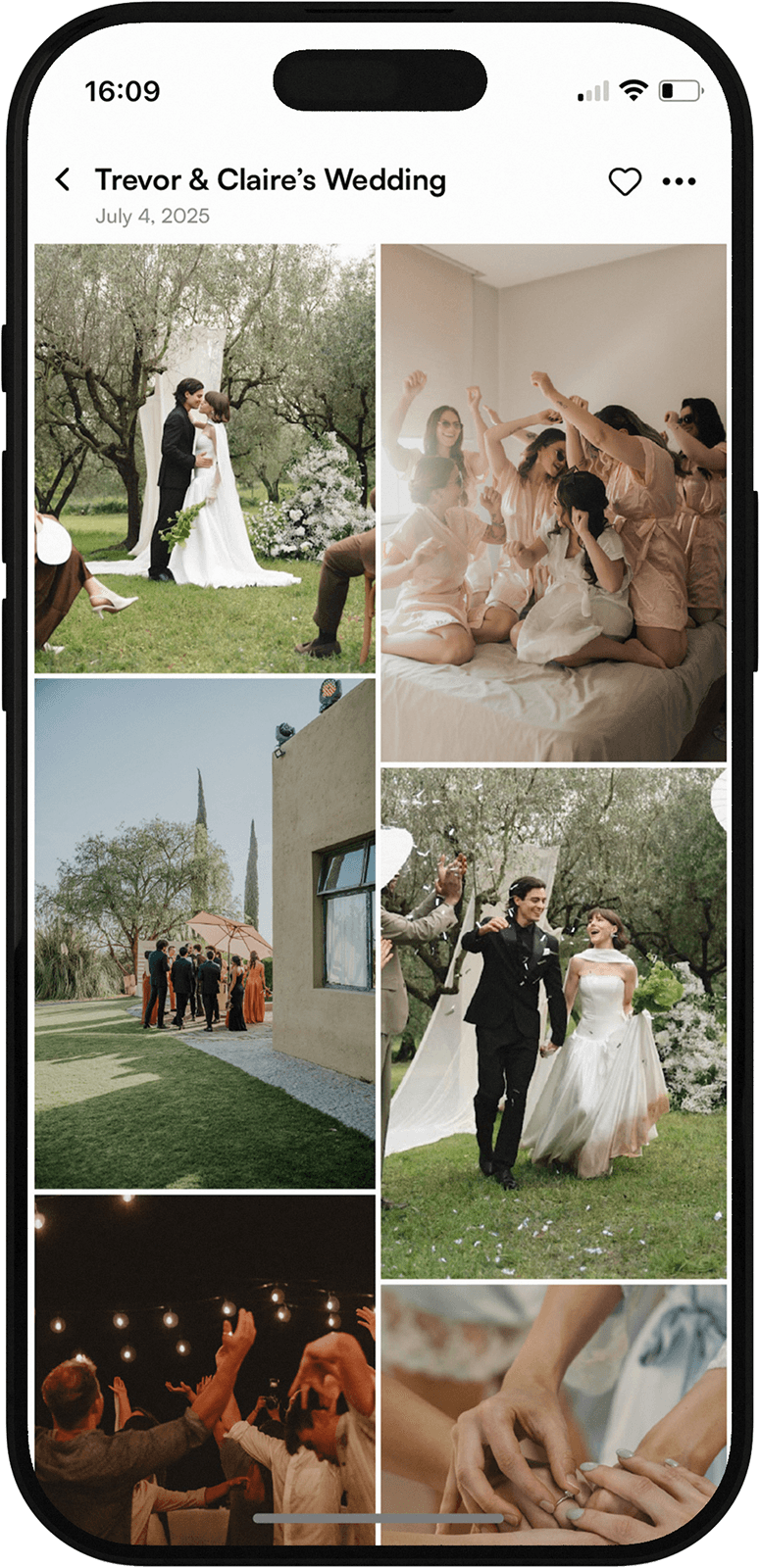
Photo sharing
Collect wedding photos from guests all in one shared place.
Collaborate from one shared workspace
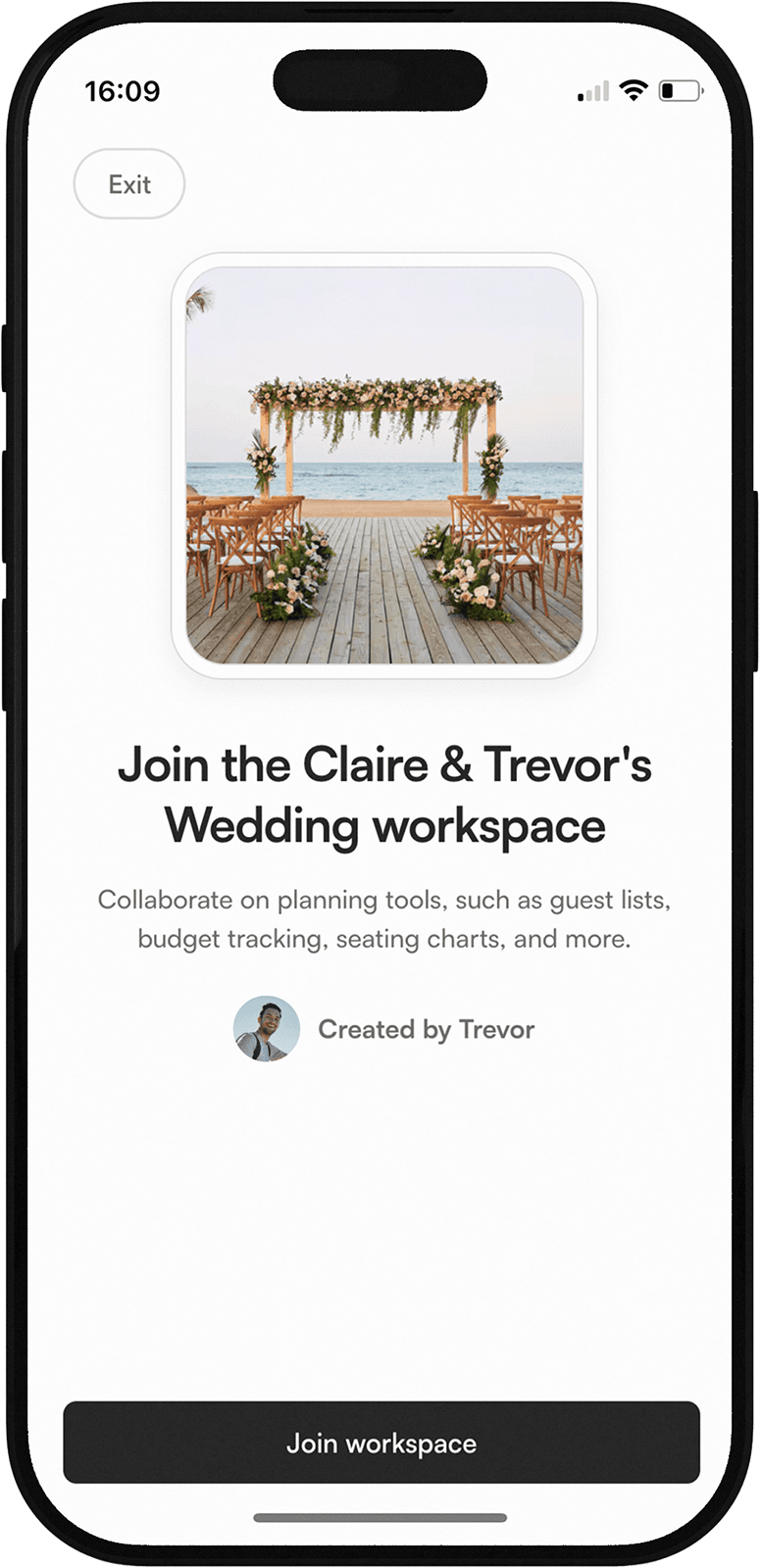
Invite your partner or planner
Create your own wedding workspace, invite others to collaborate, and join another workspace when someone invites you.
Tag us on your big day.


Follow us on Instagram @yourweddingatlasFollow us on TikTok @yourweddingatlas
#plananywhere #yourweddingatlas #weddingjourney #weddingyourway
Your questions, answered
What is a wedding workspace?
A wedding workspace is a shared place to keep your wedding planning tools, details, and collaborators together. You can use it to organize your guest list, seating chart, wedding website, budget, RSVPs, photos, and more as you plan.What wedding planning tools are included?
Your Wedding Atlas is being built to include tools for guest lists, seating charts, wedding websites, budget tracking, RSVPs, photo sharing, and shared collaboration. The guest list tool is available now, with more tools coming soon.Can I invite my partner, planner, or family members?
Yes. You can invite your partner, planner, family, wedding party, or anyone helping with the details to collaborate in your wedding workspace.What makes Your Wedding Atlas tools different?
Your Wedding Atlas tools are designed to work together inside one shared wedding workspace. Your guest list, RSVPs, seating chart, wedding website, budget, photos, and collaborators can stay connected instead of living in separate spreadsheets and apps.How do the tools work together?
The tools share the same workspace data. For example, guests you add to your guest list can later be used for RSVPs, seating charts, meal counts, wedding website responses, and other planning tools as they become available.Can I start with just one tool?
Yes. You can start with one tool, like the guest list, and add more as your plans come together. Your workspace is designed so each tool can build on the details you have already added.